Brand. Logos, colors and type.
Writing about Pixelarticons, listing it on your site or adding it to a slide? Take what you need. Every file is free to use when you refer to Pixelarticons.
01
Logo
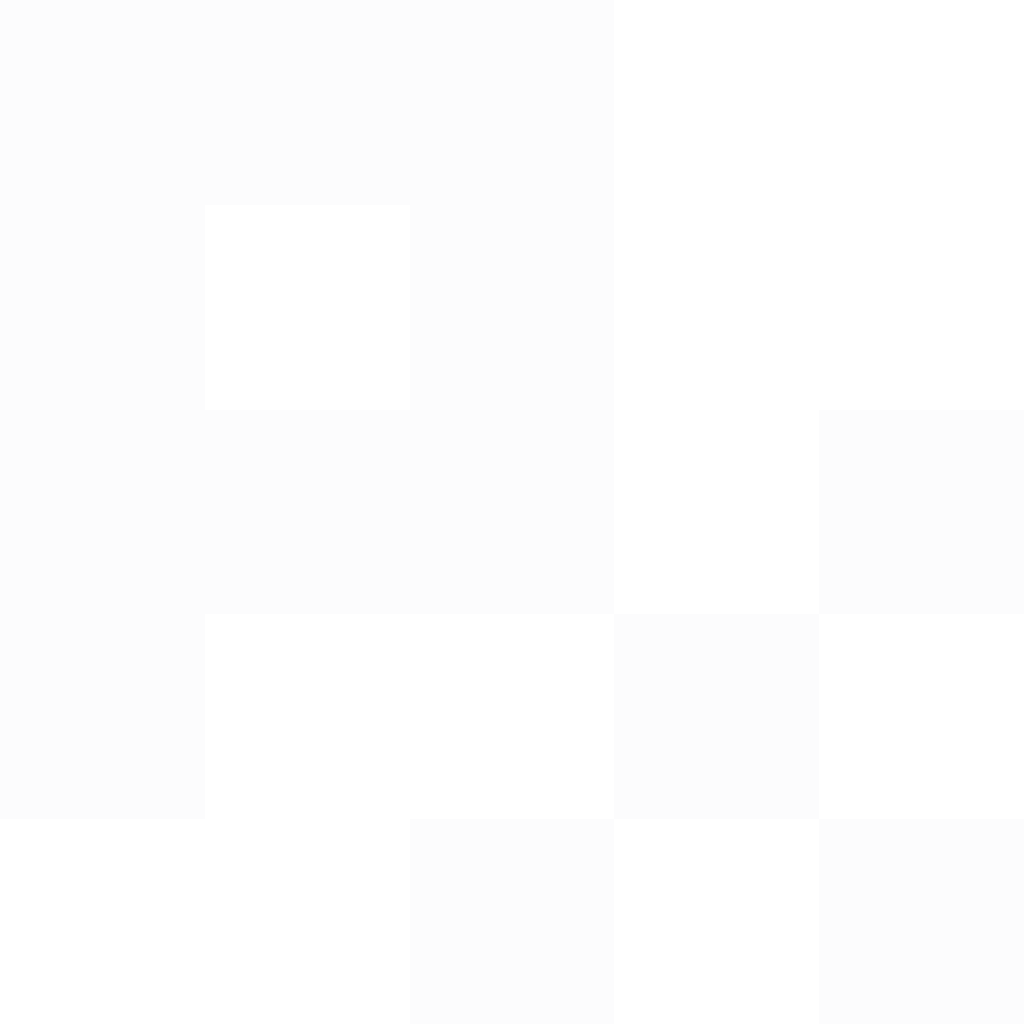
The mark is a P drawn on a 5×5 pixel grid. Next to it, the name sits in Geist Pixel.


02
Color
Ink on paper, with Cobalt for the one action that matters. Each set has its own color: Base is Cobalt, Mini is XP, Prime is Coin. Click a swatch to copy its hex value.
03
Type
Three free Google Fonts from the Geist family. Pixels show up in headlines, numbers and labels, never in running text.
Every pixel
Geist Pixel Headlines (first line), numbers, prices, labels and tags. Never paragraphs.
Google Fonts → on purpose.
Geist Interface, body text and the second line of a headline, at 600 with tight tracking.
Google Fonts → 

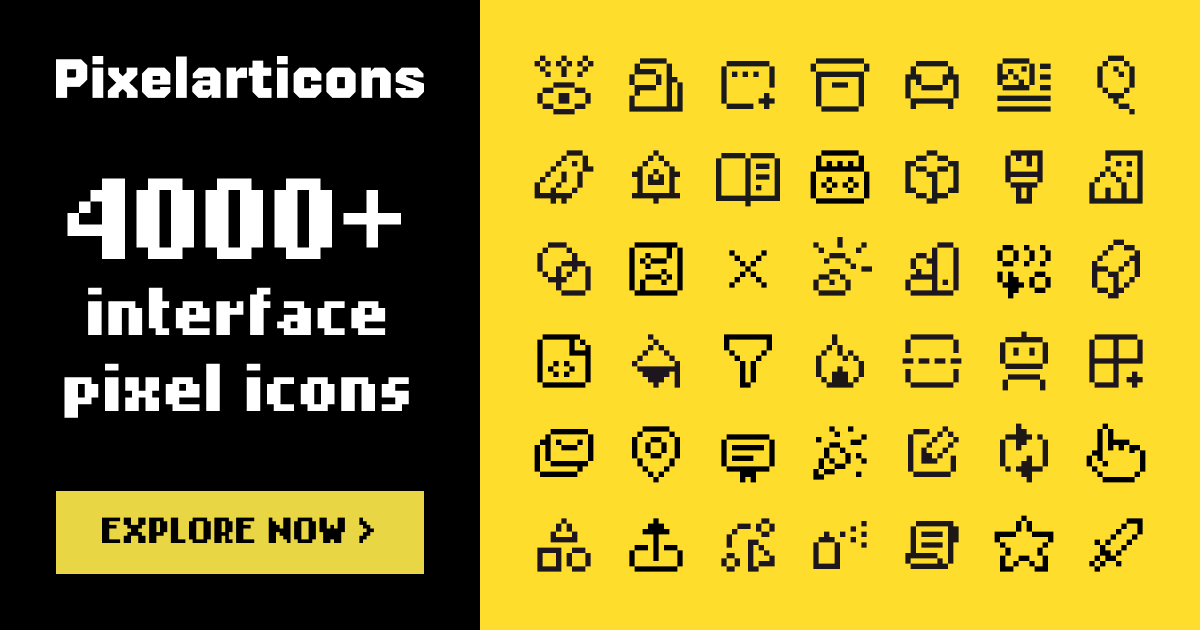
- Use the mark in Ink, White or Cobalt. Keep its square pixels square: scale it in whole steps where you can.
- Leave clear space around the logo of at least one mark pixel (a fifth of the mark width).
- Write the name as one word: Pixelarticons.
- Do not stretch, rotate, outline or recolor the logo, and do not add shadows or effects.