
2026-09-11
Pixelarticons Now Runs an MCP Server
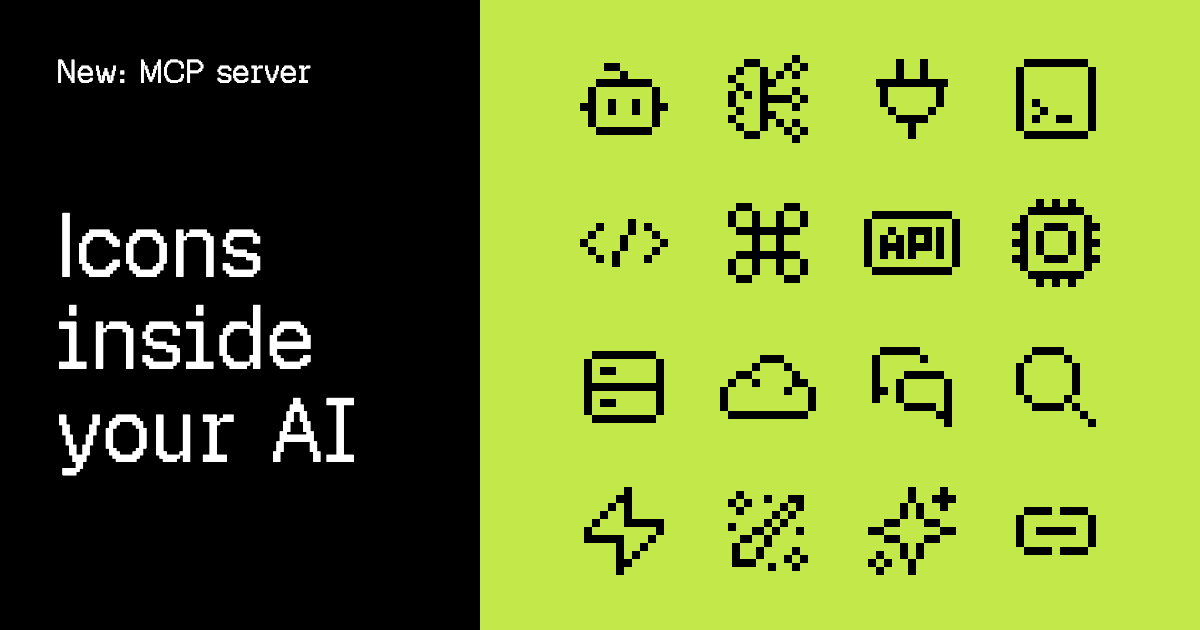
Pixelarticons now runs an MCP server at pixelarticons.com/mcp. Connect it once and your AI assistant can search the icons, read them and place them in your code without you leaving the editor.
It is free, it needs no account and it needs no key.
The part that was annoying
Adding an icon with an assistant used to mean doing the search yourself. You opened the site, typed a guess into the search box, found the icon, copied the SVG, went back to the editor and pasted it. The assistant sat there while you did the one part it should have been good at.
Worse, an assistant working alone would invent the icon name. It would write import { ShoppingCartIcon } from 'pixelarticons/react' because that name sounds right, and the build would fail, because the component is ShoppingCart.
The server closes both gaps. The assistant does the search, and it reads the real names out of the real catalog.
Connect it
Claude Code takes one line:
claude mcp add --transport http pixelarticons https://pixelarticons.com/mcpCursor, VS Code, Codex and Gemini CLI each take one command too, and Claude on web, desktop and ChatGPT take a few clicks in their connector settings. All of them are written out on the MCP page, with a one-click install button where the client supports it.
Everything uses the same URL. Nothing else to configure.
What the assistant gets
Four tools, plus the search and fetch pair that ChatGPT connectors require.
search_iconssearches by meaning, not just filename. It matches names, titles, curated keywords and descriptions, then ranks by how well each icon fits and by how often people actually use it. Filter by style, by category or by free status.get_iconreturns one icon in full: description, keywords, which of the four styles exist, free or Pro status, the page link, ready-made import lines and the SVG source.list_categoriesreturns the 18 categories with their counts.get_usage_guidereturns the install, sizing and license rules, so the assistant knows to render at 24, 48 or 96 and to leave the path data alone.
In practice you just ask. “Find a pixel art icon for settings and put it in the sidebar” is enough.
Free icons and Pro icons
The server describes all 4600 icons. It hands out SVG source for the 1036 free ones only.
Ask for a Pro icon and the assistant gets the metadata, the preview link and the way to unlock it. It does not get the path data, and it is told not to copy it out of preview data either. That rule lives in the server itself, not in a note somebody might skip.
If you own a license, the unlock is the same command it has always been:
npx pixelarticons upgrade --key=YOUR_LICENSE_KEYAfter that the Pro icons resolve from the same imports as the free ones, and the assistant can use every one of them.
No account, and nothing kept
The server is stateless. There is no session, no stored prompt and no account. It does not know who is asking and it does not keep what was asked.
The limits are 60 requests a minute per IP address and 100 results per search. Neither is close to what normal use hits.
If you do not use MCP
Nothing here replaces what was already there. The REST endpoints still work, the agent instructions still work, and the icons still install with npm install pixelarticons. The MCP server is one more door into the same catalog, for the clients that know how to open it.
Full setup for every client is on the MCP page.

